One shared camera roll for the people you were with.
Start a roll for the trip, the wedding, the flat. Everyone in it shoots straight into the same place — and the week afterwards, nobody has to chase eight people for the good photos.
Android 1.0.5 · 7.0 and up, 33 MB · iOS 1.0.3 · 17 and up, 8.6 MB · both install outside the app stores
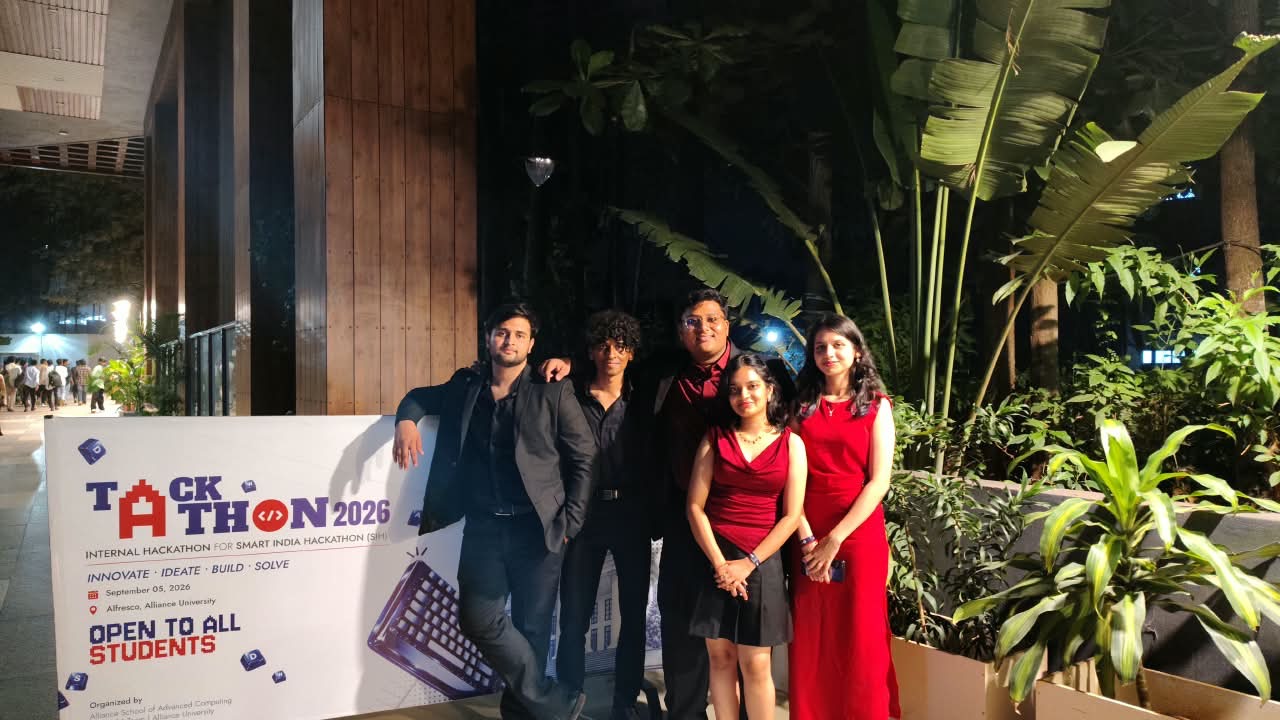
Three things, in this order.
No feed, no followers, no algorithm. A roll is a private group and the photos its people took.
Open a roll
Name it, give it a cover if you like. That's the whole setup — the first photo becomes the cover otherwise.
Hold up the code
Every roll has a six-character invite code and a QR. Friends scan it or type it, and they're in. No phone numbers, no contacts access.
Everyone shoots into it
Take photos straight from the app or add from your gallery. Everyone else sees them within seconds — even if you lose signal, the upload waits and finishes later.
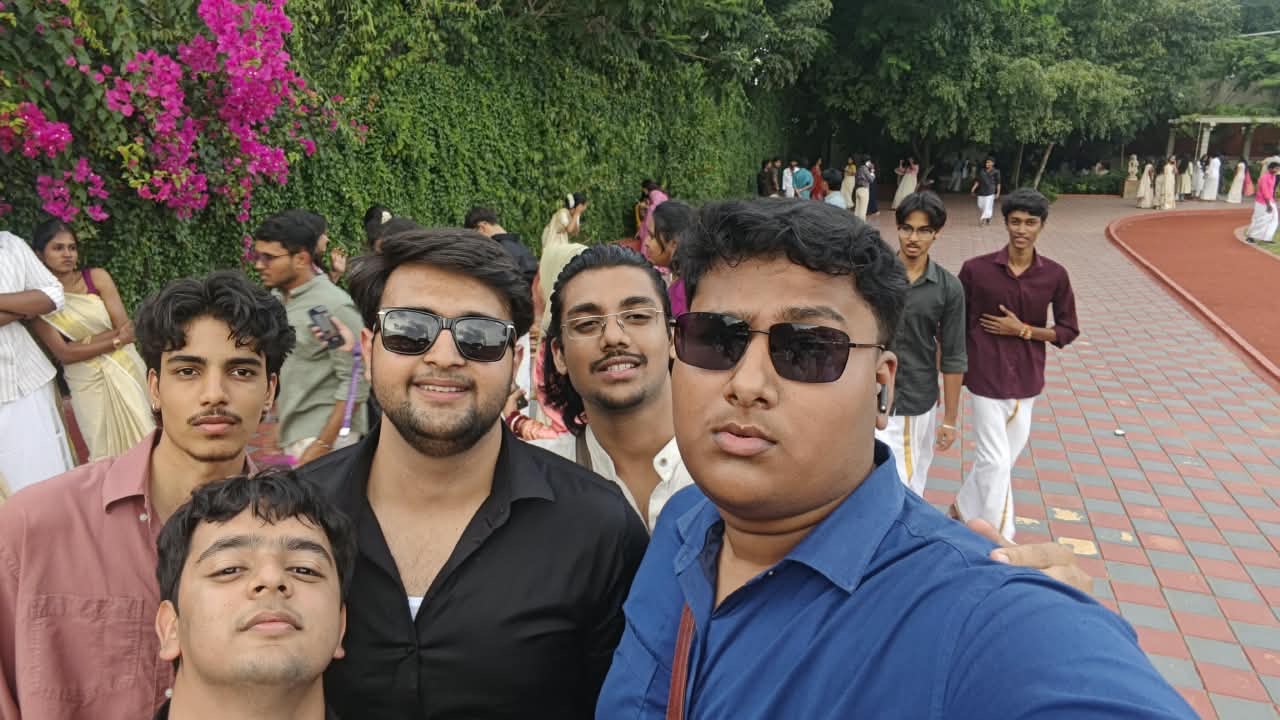
Small on purpose.
Everything a group of friends needs to keep the photos from one week together, and nothing they don't.
- Camera
- Shoot in, don't upload later. Tap-to-focus, pinch zoom, flash, a self-timer and a rule-of-thirds grid.
- Timeline
- Grouped by day. Each day opens on its most-starred shot, then the rest.
- Stars
- Mark the keepers. Filter any roll down to what people starred, or to one person's photos.
- Reactions
- Five of them. No comment threads, no view counts.
- Save & share
- Full resolution, yours. Save any photo — or a whole selection — to your gallery, or share it anywhere.
- Slideshow
- Prop the phone up. It keeps the screen awake and stops at the end.
- Offline
- Uploads queue. Photos taken in a dead zone go up the moment you're back on a network.
- Sign-in
- Google, email, or just look around as a guest and save your account later.
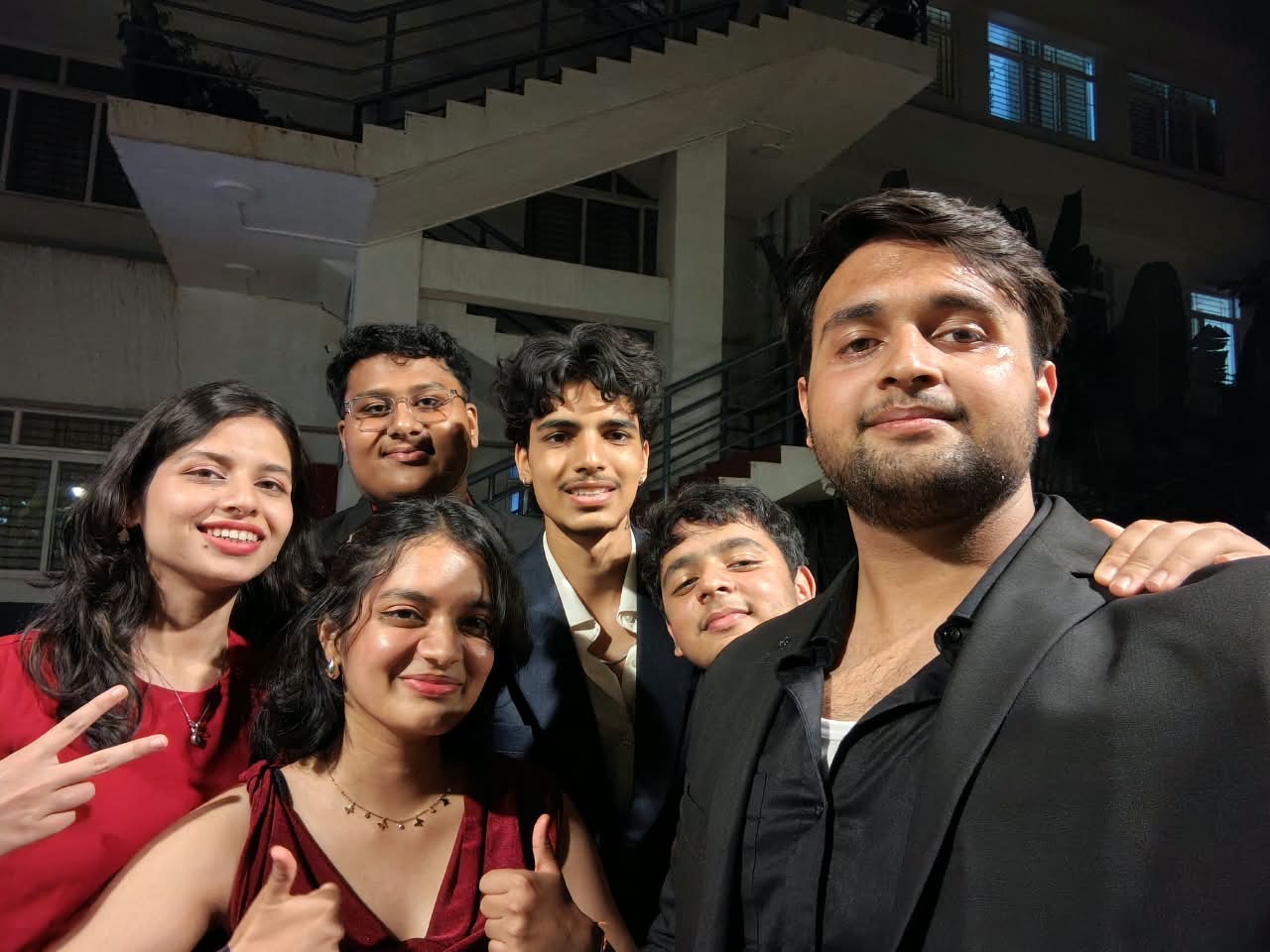
Private means the people in the roll.
A roll is visible only to its members, and a member is only someone who was handed the invite code. There's no discovery, no public profiles, and nothing you post goes anywhere except to the people you were with.
Every photo is re-encoded on your phone before it leaves. That strips the metadata — GPS coordinates, device model, the original timestamp — so a photo someone saves and forwards carries nothing about where you were standing. The time it was taken is kept separately, inside the roll, where it belongs.
The app never asks to read your photo library. Adding from your gallery uses the system picker, so it only ever sees the photos you choose.
Photo links inside a roll are long-lived signed URLs. Anyone holding the exact link can open that one image without signing in — the same trade every photo-sharing app makes so images load fast and share cleanly. The links live only inside your roll; they don't leak on their own.
Get it on your phone.
WeWere is shared directly rather than through the app stores, so your phone will ask you to allow the install. Here's what to expect on each.
- Tap Download WeWere.apk. Your browser may warn that this type of file can harm your device — that's the standard notice for any app installed outside the Play Store. Keep it.
- Open the downloaded file. If Android says your browser isn't allowed to install apps, tap Settings and turn on Allow from this source, then go back.
- Tap Install. Google Play Protect may offer to scan it first — that's fine.
- Open WeWere, sign in with Google or email, and start a roll. Send the code to whoever you were with.
- iPhones only install apps from the App Store or through a signing tool, so the .ipa goes on with AltStore or Sideloadly — both free, both need a Mac or PC once. Install one and sign in with your Apple ID.
- Download WeWere.ipa on that computer (or straight to the phone if you use AltStore's own browser), then open it with the tool. It signs the app with your Apple ID and puts it on the phone.
- The first time it opens, iOS may ask you to trust the developer — that's you. It's under Settings → General → VPN & Device Management.
- A free Apple ID keeps the app alive for seven days at a time; AltStore renews it in the background whenever the phone and computer share a network. Open WeWere, sign in, and your rolls are the same ones as on Android.
No App Store listing yet — Apple charges for the developer account that tap-to-install needs. If that changes, the TestFlight link will be here.
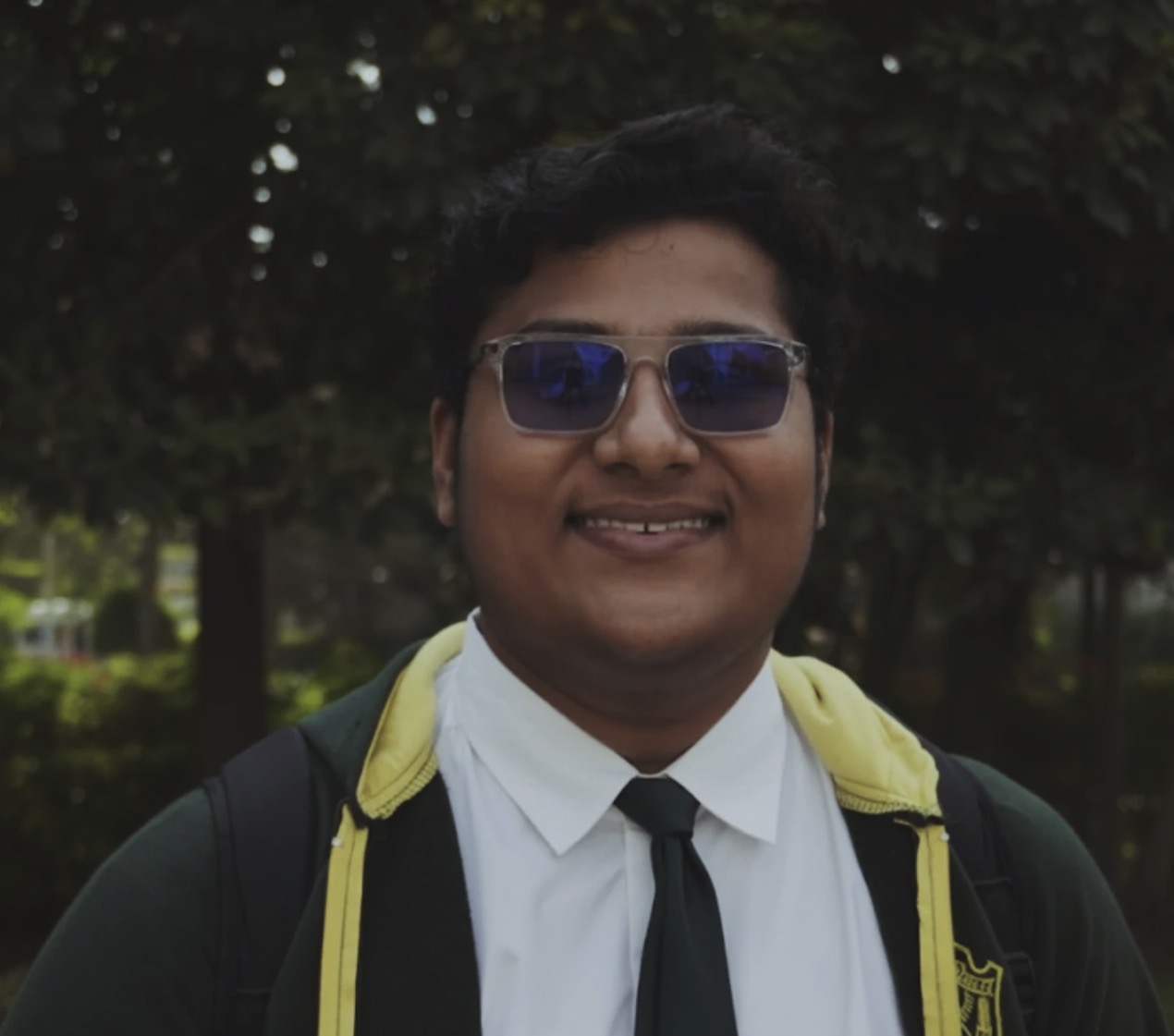
The one who made it.
Sidhyarth is a pioneer in crypto and blockchain, currently working on fraud detection related to crypto.
- Now
- Alliance UniversityFreshman
- 12th
- Delhi Public SchoolBangalore East
- 10th
- Ryan International SchoolBangalore
- Esports
- Hosted India's first school-level Valorant tournament
- Leadership
- IT PresidentTwo consecutive years
Don't worry if it doesn't work right: if everything did, you would be out of your job.